
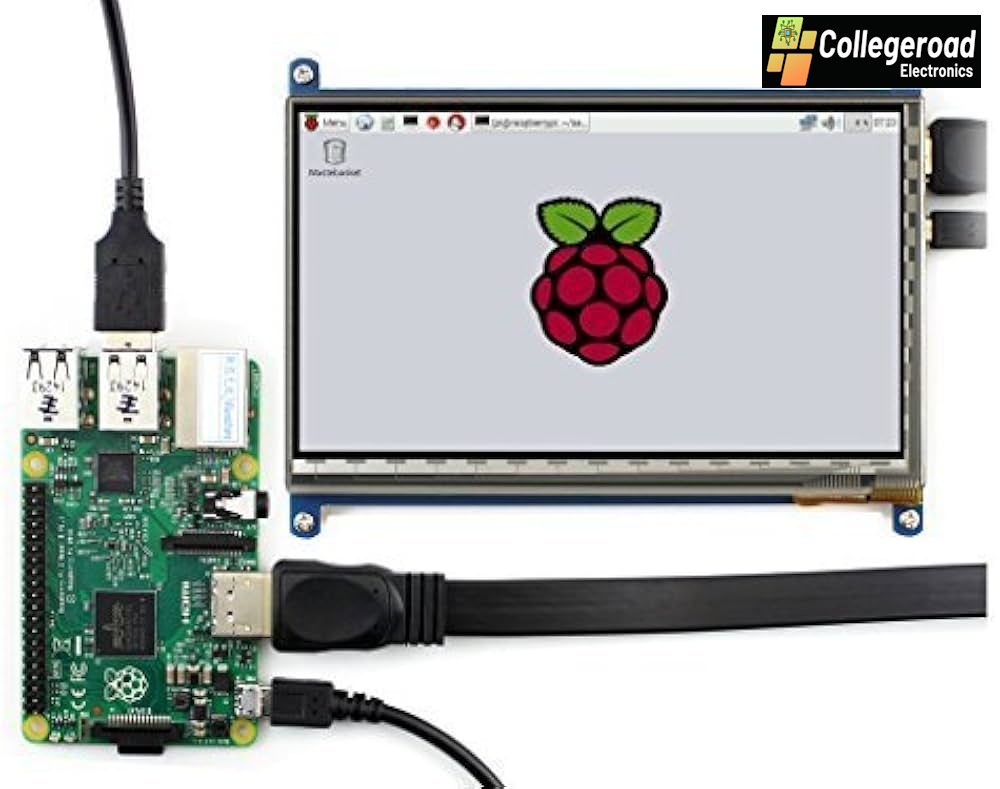



7 Inch Raspberry Pi Touch Screen LCD in Pakistan
This 7″ Capacitive Touch Screen LCD is designed to enhance the user interface experience in any Raspberry Pi project.
It supports multiple development boards including Raspberry Pi (all models including Pi 3 and Pi 4), Banana Pi, Banana Pro, and BeagleBone Black.
The built-in HDMI interface allows the display to work as a regular computer monitor, while the USB interface provides precise capacitive touch control.
With preloaded Raspbian and Ubuntu drivers, setup is quick and easy.
For better power management, the backlight can be switched on/off as required.
This display is an excellent choice for DIY electronics, embedded systems, and IoT projects where a responsive touch interface is required.
It’s widely used for home automation systems, portable displays, dashboards, and interactive projects with Raspberry Pi.
Features of Raspberry Pi HDMI LCD 7 Inch Touchscreen Display Module:
- High resolution: 800×480 pixels.
- Capacitive 10-point touch control for smooth interaction.
- Compatible with Raspberry Pi (all models), comes with preloaded Raspbian and Ubuntu image support.
- Supports Banana Pi / Banana Pro with Lubuntu and Raspbian images.
- Supports BeagleBone Black with Angstrom image.
- Dual interface: HDMI for display and USB for touch control.
- Backlight control to reduce power consumption.
- Plug and play – no additional power supply required, powered via USB.
- Supports software keyboard for full PC-like functionality.
- Compact design, easy to mount in enclosures and projects.
- Durable screen with long operating life.
- Dimensions: 165 x 107 mm (approx).
Applications:
- Portable Raspberry Pi-based PC and terminals.
- IoT dashboards and control systems.
- DIY home automation systems.
- Robotics and embedded projects.
- Industrial monitoring and control panels.
- Media players and portable display units.
- Educational electronics and learning kits.
Package Includes:
- 1 × 7 Inch HDMI LCD (C) Touchscreen
- 1 × HDMI cable
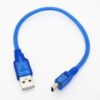
- 1 × USB type A plug to micro B plug cable
Technical Resources:
- rhydoLABZ Wiki – Raspberry Pi Resources
- Raspberry Pi Image Installation Guide
- Libraries Installation Guide
- Official Wiki for 7″ HDMI LCD (C)
Note: Touch function will not work with HDMI connection alone.
USB connection must be used for full touch functionality.
Drivers can be added to your current OS to support LCD display and touch control.



 No products in the cart.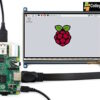
Reviews
There are no reviews yet.